

I built a Chrome extension that reads component data directly from Storybook and turns a repetitive manual audit into a two click workflow used in daily work.

A teammate's job included comparing dev-built components in Storybook against their Figma designs to catch discrepancies before release. Her process meant opening both side by side, clicking into a component's DOM, and manually pulling radius, color, font, and spacing values, then checking each one against Figma by hand. It took three to five minutes per component, repeated across dozens of components every sprint.
The obvious fix seemed like AI. It wasn't.
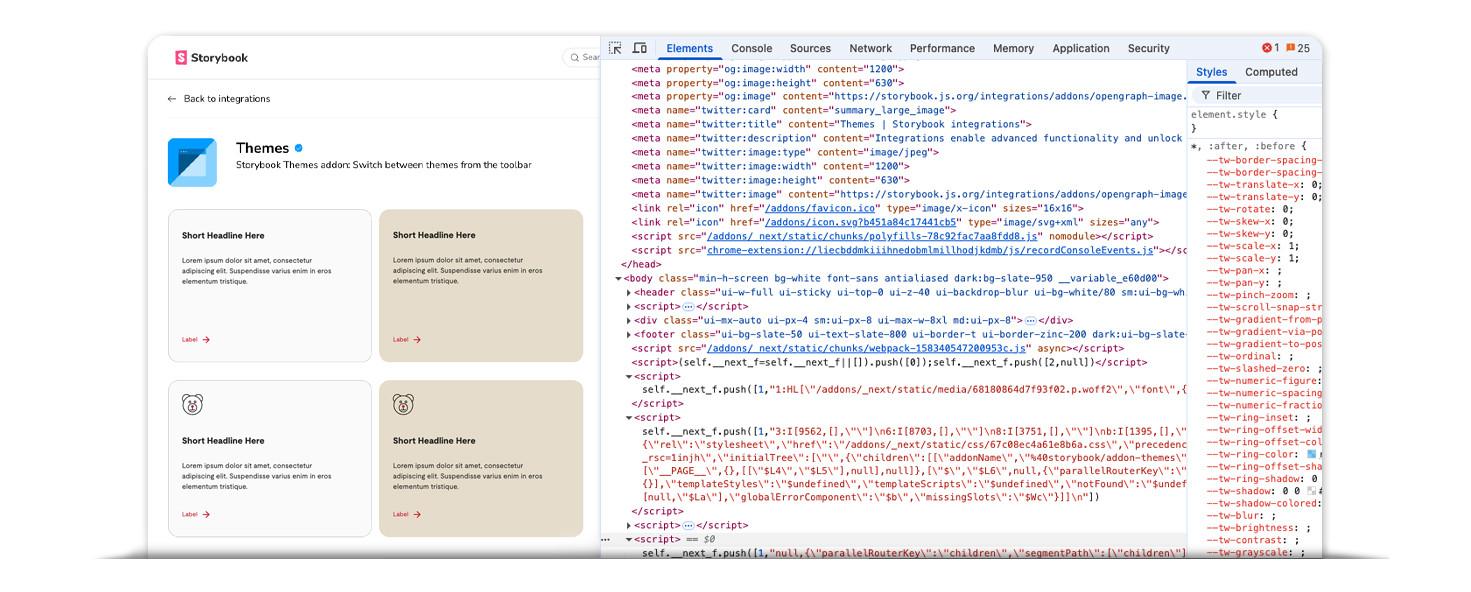
Agents can assess what a component looks like. They can't tell you what it actually is.
The first attempt was an AI agent built to handle the comparison automatically. It failed for a structural reason, not a prompting one: agents can only assess components visually, they have no reliable way to read DOM data. The second attempt used Copilot in Microsoft Edge, since it can see the active tab. Same wall. It could describe what a component looked like, but still couldn't surface the underlying structural data an audit actually depends on.
Both attempts pointed to the same conclusion. The problem wasn't intelligence, it was access.
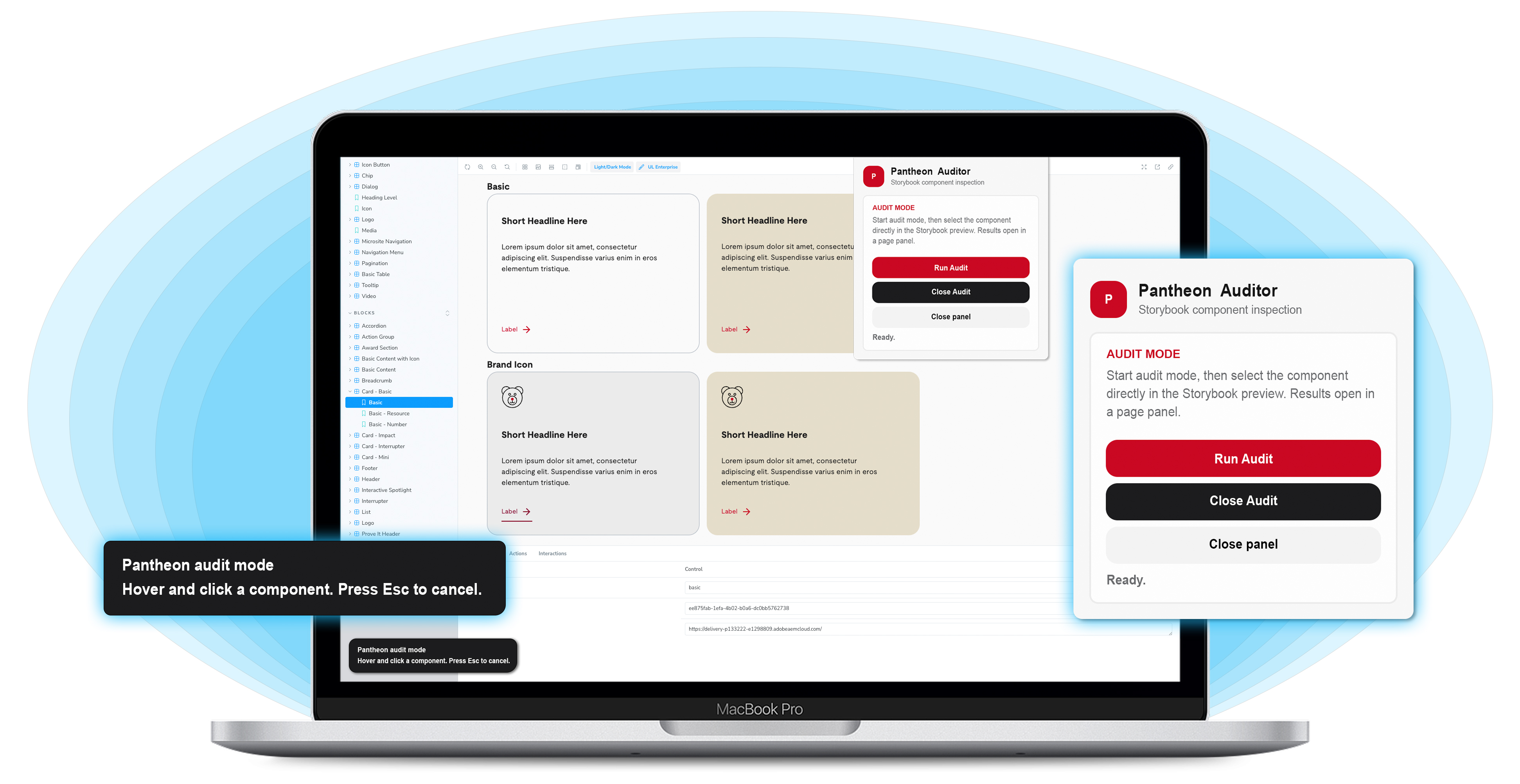
The solution that worked was a rules-based Chrome extension with no AI at runtime, though AI helped build it. Named Pantheon Auditor, it skips the reasoning step entirely and goes straight to the source: the DOM itself. Click Run Audit, hover over any live component in the Storybook preview, and click to select it. The extension reads the component's actual structure directly, no interpretation required.
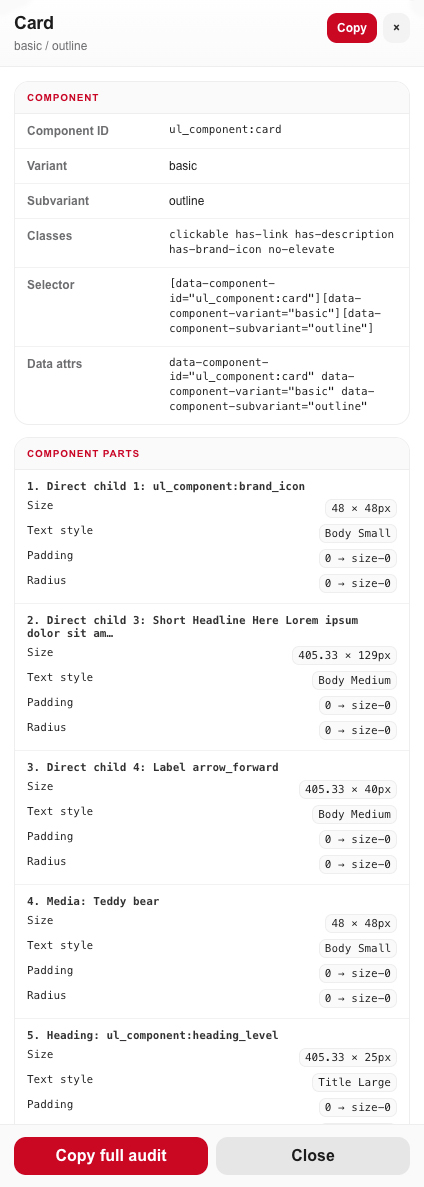
Selecting a component opens a full spec panel: component ID, variant, classes, selector, and data attributes, plus a breakdown of every child element's size, text style, padding, and border radius. Copy the full audit in one click.
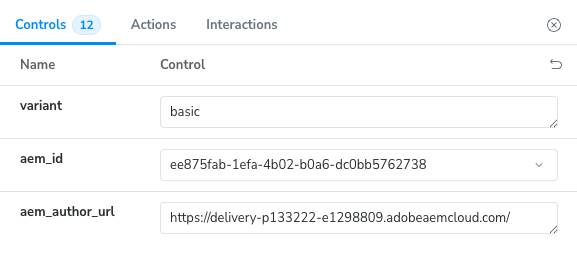
The audit went from three to five minutes per component to two clicks, and the teammate who needed it now uses the extension in her daily work. I like this project because the first idea was wrong. Once I understood why, the simpler solution was obvious.